Find a Playing Partner
How it works
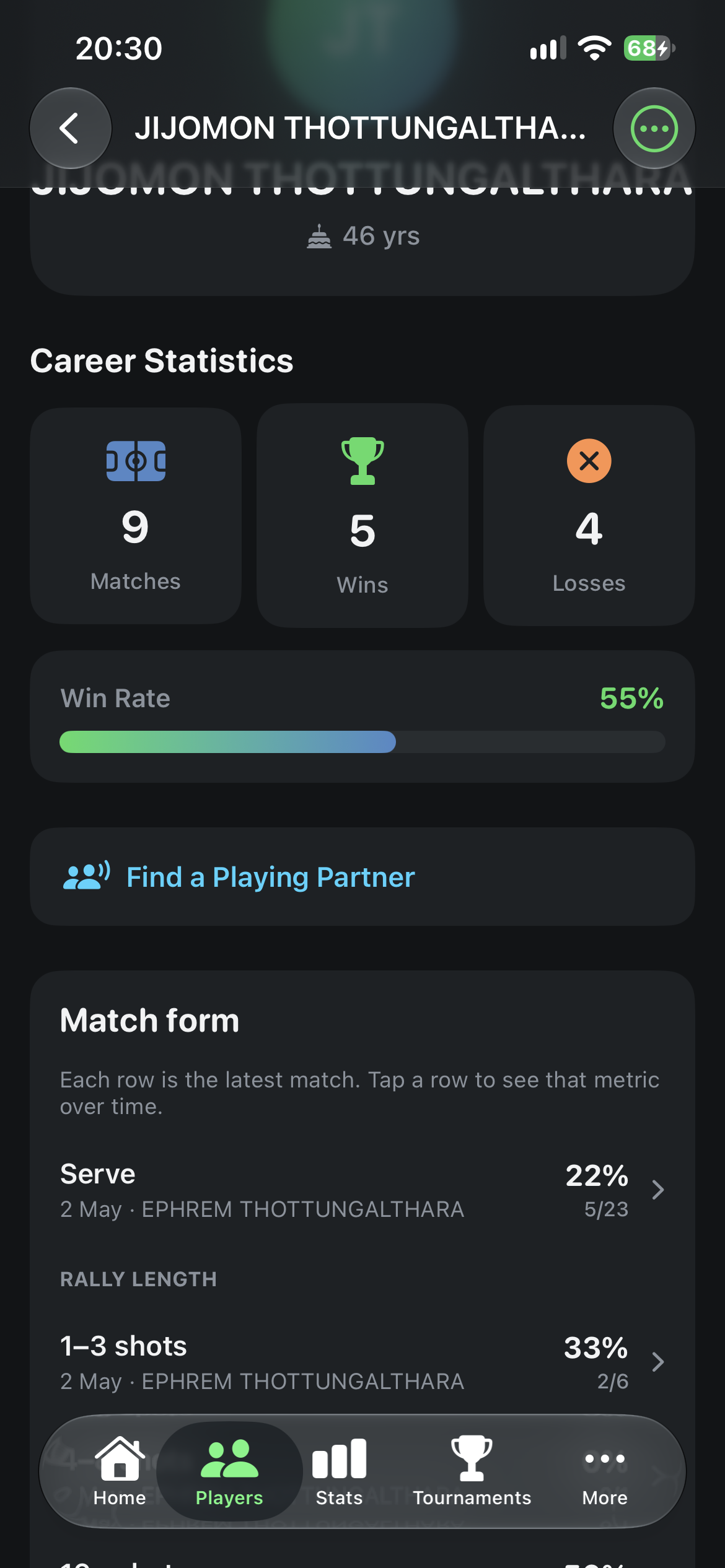
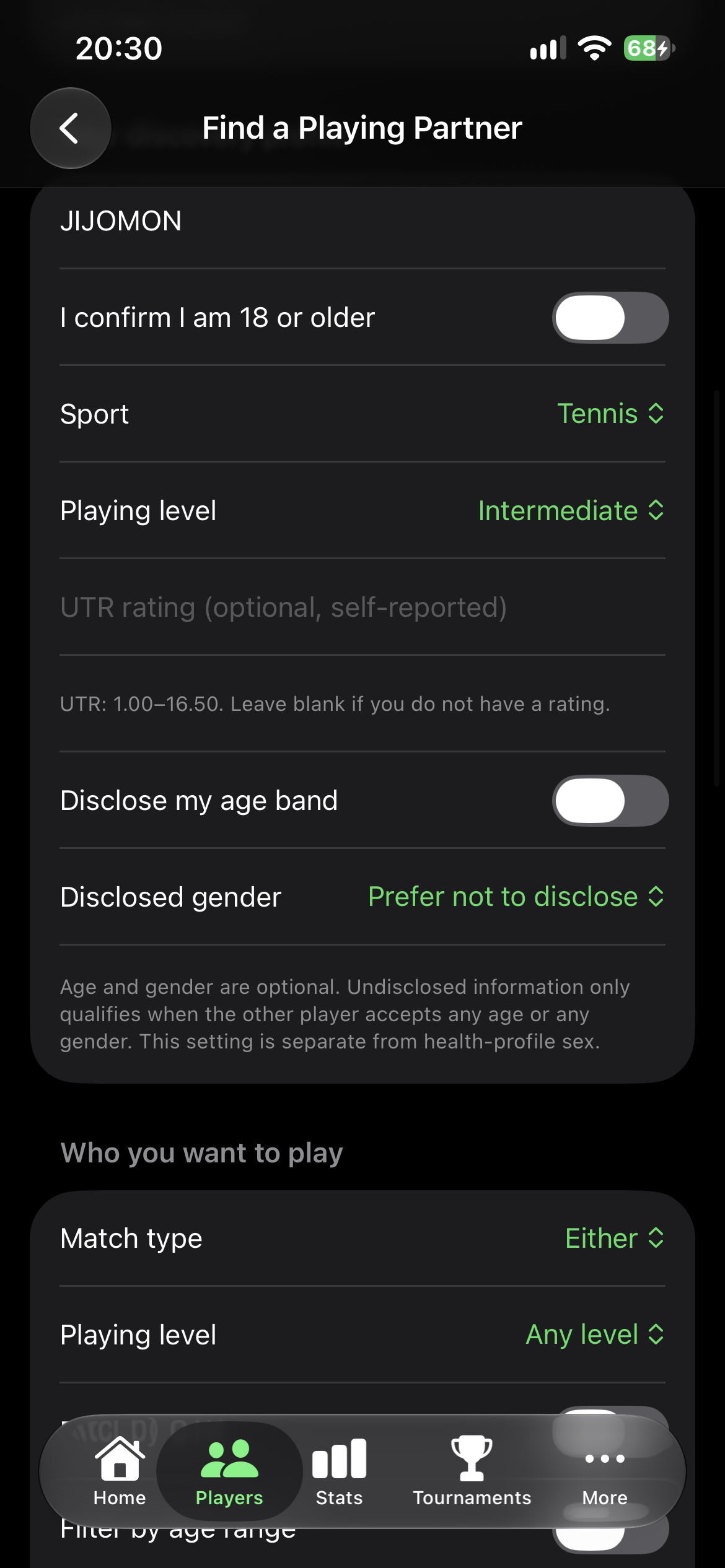
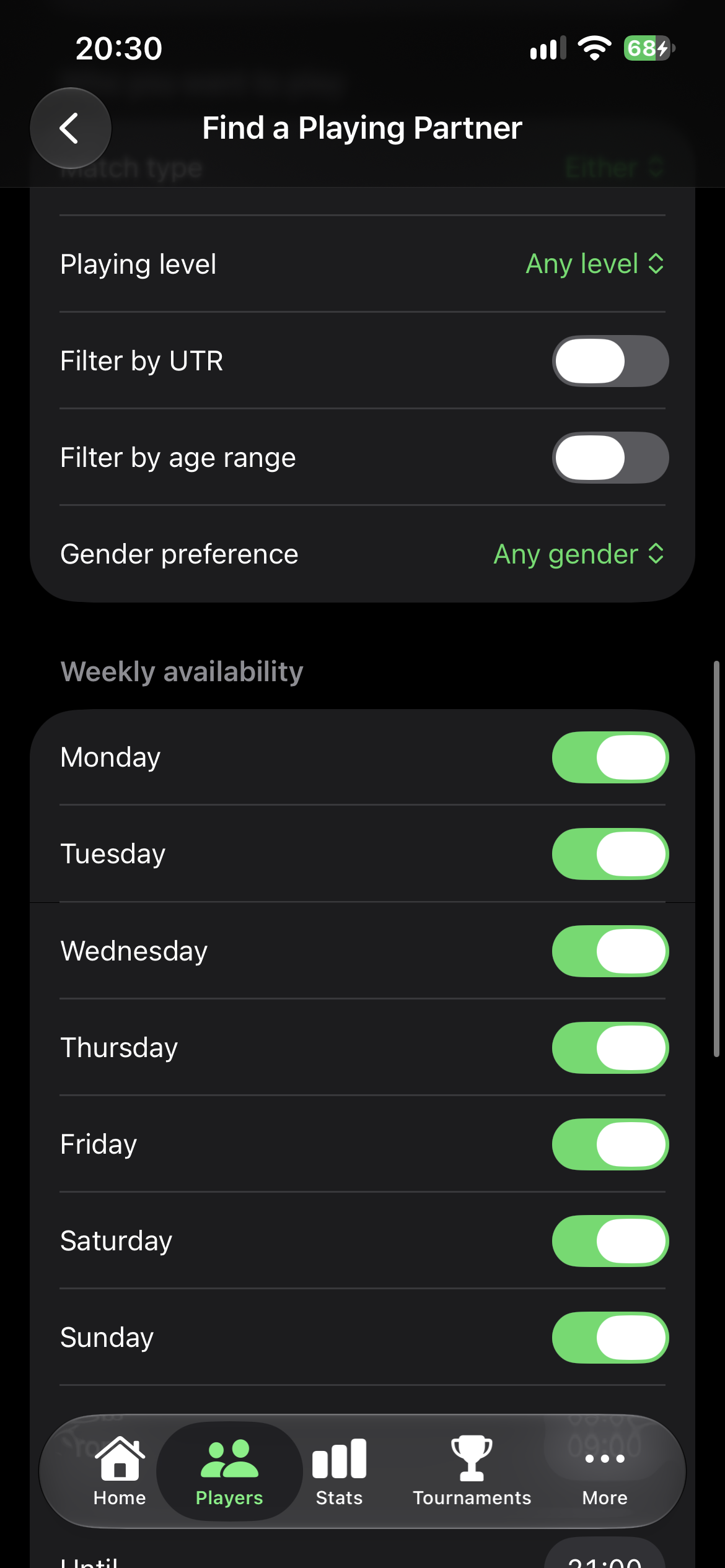
Open Players → player profile → Find a Playing Partner. Adults can opt in to encrypted nearby discovery over Bluetooth and local Wi-Fi. Matches consider both players’ sport, level, format and availability, with optional tennis UTR, age-band and gender preferences. Both users keep discovery open. Contact details are shared only with separate approval after mutual acceptance; discovery stops when you leave the screen.
Before you start
- For adults aged 18 or over. Save your preferences and availability, then choose Save & Find Nearby Players. Both people need Wi-Fi, Bluetooth and Local Network permission, with discovery open.
- This is nearby discovery, not a GPS search. Preferences must match both ways and availability must overlap. Tennis UTR is self-reported; age and gender disclosure are optional.
- Accept an invitation, then approve Share My Contact separately. Health records and GPS location are not in the discovery profile. Leaving the screen, backgrounding the app or reaching 30 minutes stops discovery; received contacts last only for that session.
Encrypted nearby sharing
CourtsidePlay uses Apple MultipeerConnectivity with encryption required for connected sessions. Discovery profiles and approved contact messages are exchanged through these sessions. This is not AirDrop or NameDrop. Nearby discovery does not verify who a person is.
You control contact sharing
Both players must enable discovery. One player sends an invitation and the other accepts; acceptance alone does not share a contact. Each player must separately choose Share My Contact and confirm the email or phone number they entered. Received contacts are available only during the session: copy them before ending discovery. Health data and private account credentials are not included.
Profiles are self-reported, not verified
Names, playing levels, ratings, age and gender are self-reported. CourtsidePlay does not verify identity or ownership of an entered email address or phone number. The adult confirmation is a declaration, not proof of age. Encryption protects the connection; it does not confirm that a profile is genuine.
Spam controls and their limits
Discovery is opt-in and ends when you leave the screen, background the app or reach 30 minutes. The app prevents duplicate outgoing invitations while one is pending, checks incoming contact messages against acceptance, and applies connection limits, handshake timeouts and message-size limits. You can decline or block a player. Report Player prepares a report that you must send yourself; it is not automatic moderation. There is currently no general incoming-message rate limit or verified-identity system. Blocks apply to the discovery identity and may be bypassed by creating a new identity.
Why identical filters may not match
Each player’s preferences are compared with the other player’s disclosed profile, not just their selected filters. For example, two players seeking an Advanced partner will not match if both describe their own level as Intermediate. A gender preference also requires the other player to disclose a matching gender. Disabled UTR and age filters do not restrict matching. Both players’ availability must overlap.