Tennis match analysis.
CourtsidePlay records the match as it happens on your Apple Watch, then lets you replay it point by point on your iPhone — score, shots, rally length and heart rate lined up against each point.
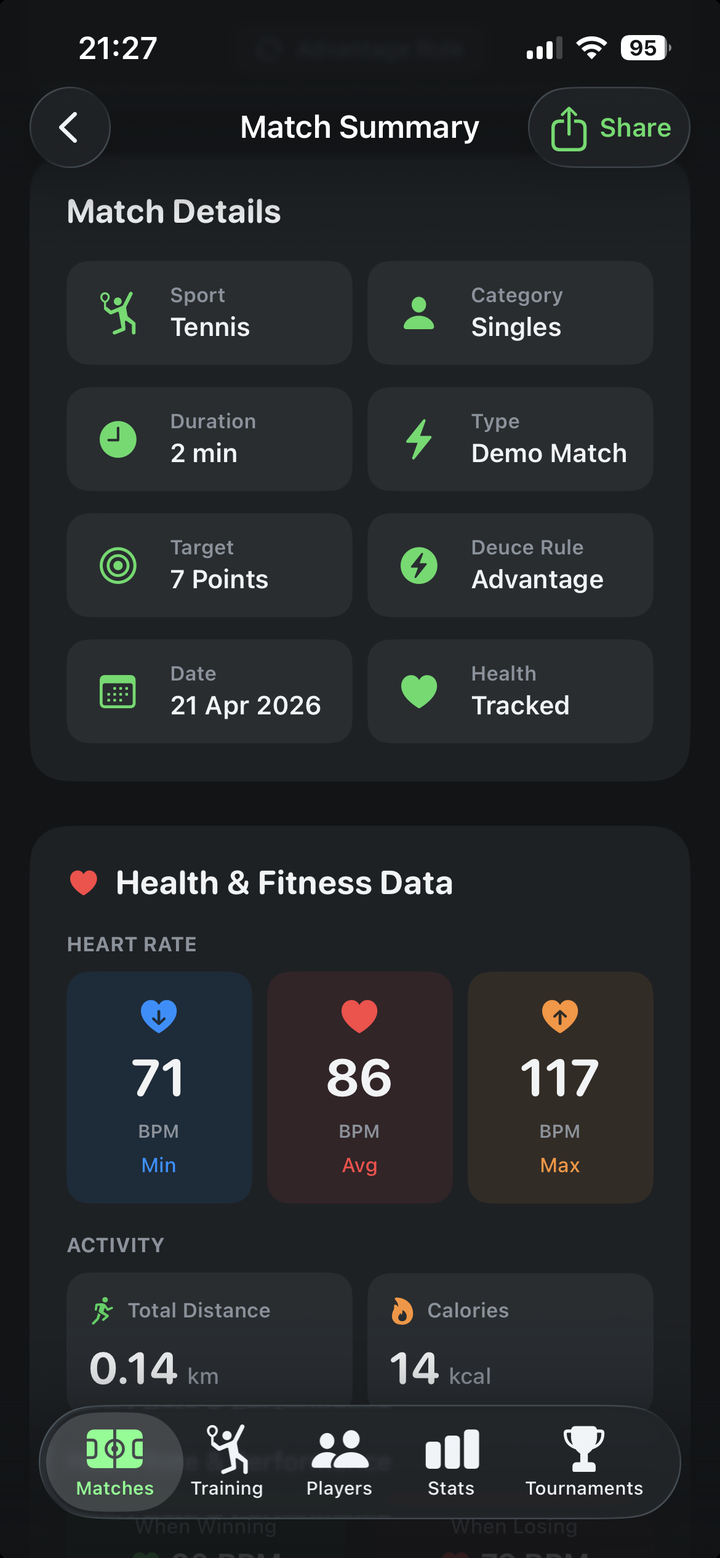
Every point, with the data behind it
Open any finished match and scroll the points. Each one shows who won it, how long the rally ran, and how many shots the watch detected during it.
- Full point-by-point score history
- Rally length attached to every point
- Shot count per point from the watch
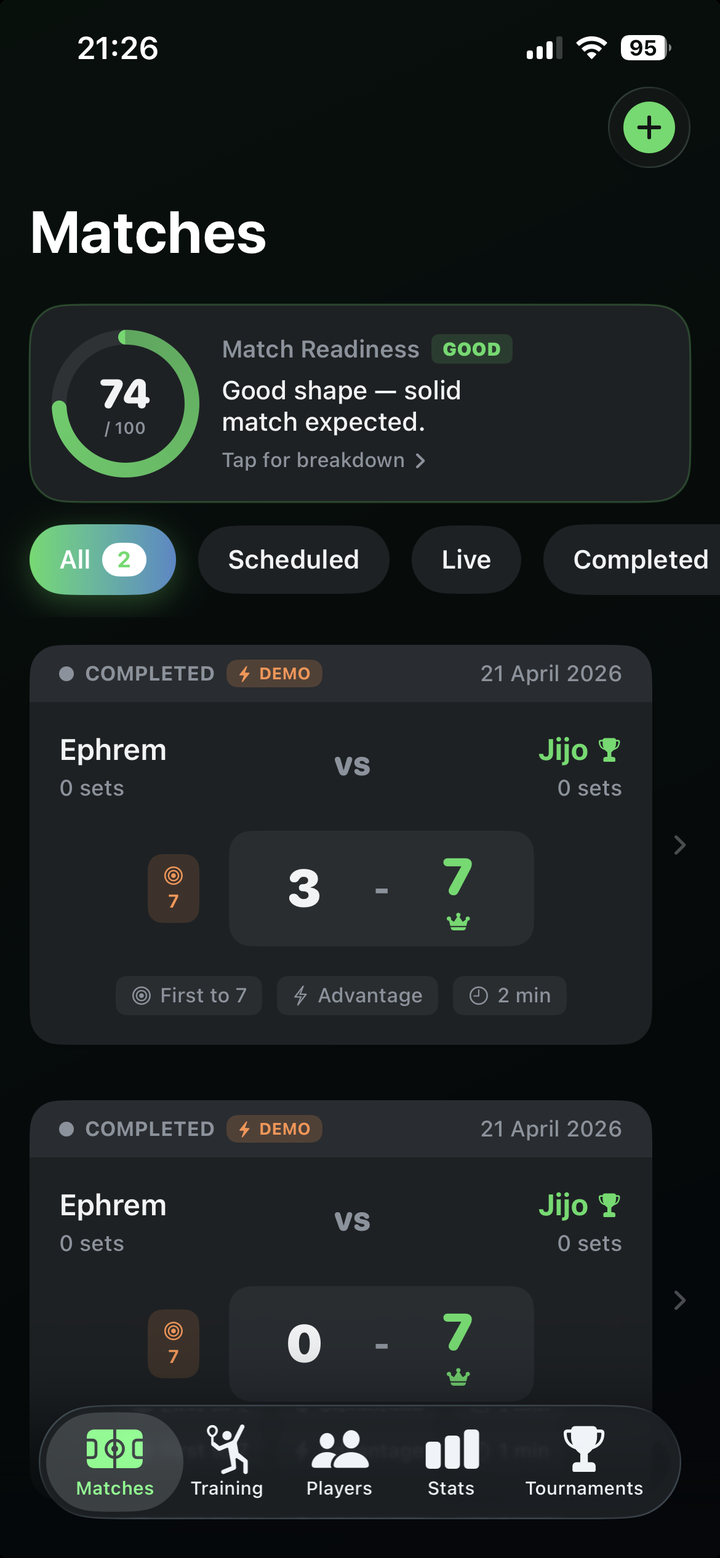
Your whole season in one list
Every analyzed match is saved on your iPhone, so you can compare today's match against last month's and see whether the numbers are actually moving.
- All matches saved on your device
- Filter and reopen any match
- Nothing leaves your iPhone
Keep reading
Review one match, point by point
Start with the score history and choose a close game. Look at the rally length and shot count attached to each point. Are the points you lose mostly quick exchanges or longer rallies? Use that pattern to choose one situation to practise next.
A practical example
For example, if several lost points in a close game are short rallies, review how those points started before assuming endurance was the issue. Shot counts and labels are sensor estimates, so compare them with what you remember from the court.
Review a single match · Understand match statistics · Track patterns across matches
Get CourtsidePlay
Every feature on this page is built in. Download once and start analysing your next match.