Create a Rematch
How it works
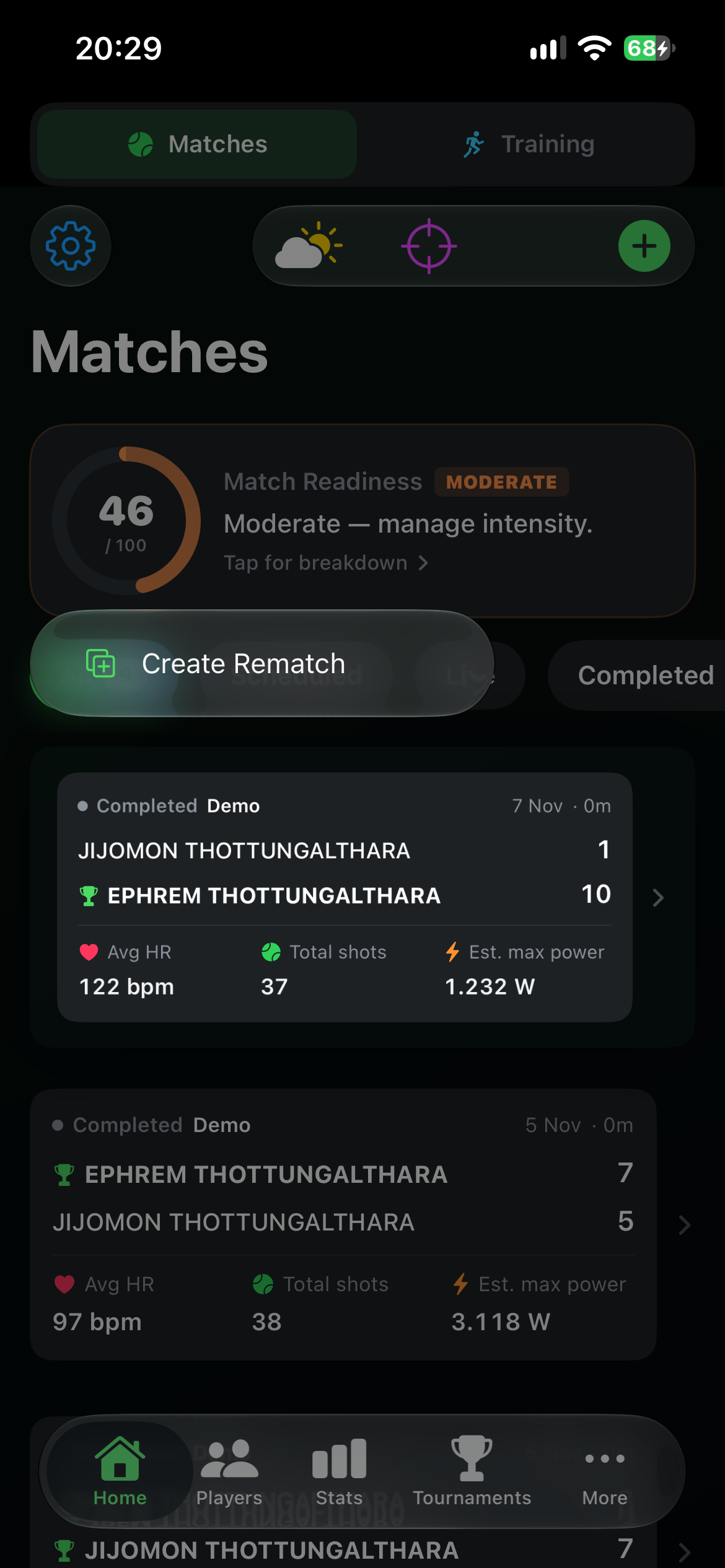
Reuse the players and settings of a completed or retired match. Choose Create Rematch from its summary menu or by long-pressing the match in the list, then review the setup. The new match starts fresh without old scores, recordings or the previous pairing.
Before you start
- Available for completed or retired matches. Open the summary menu, or long-press the match in Matches, and choose Create Rematch.
- Review the copied players and settings. Select any unavailable players again and choose the date for the new match.
- Old scores, recordings, the previous date and shared match ID are not copied. Pair with your opponent again if you want to link the rematch.