Every Swing, Measured.
The watch's accelerometer and gyroscope sample at high frequency throughout your match. CourtsidePlay detects every impact, measures its intensity, and attributes it to the point that was active when you hit the ball.
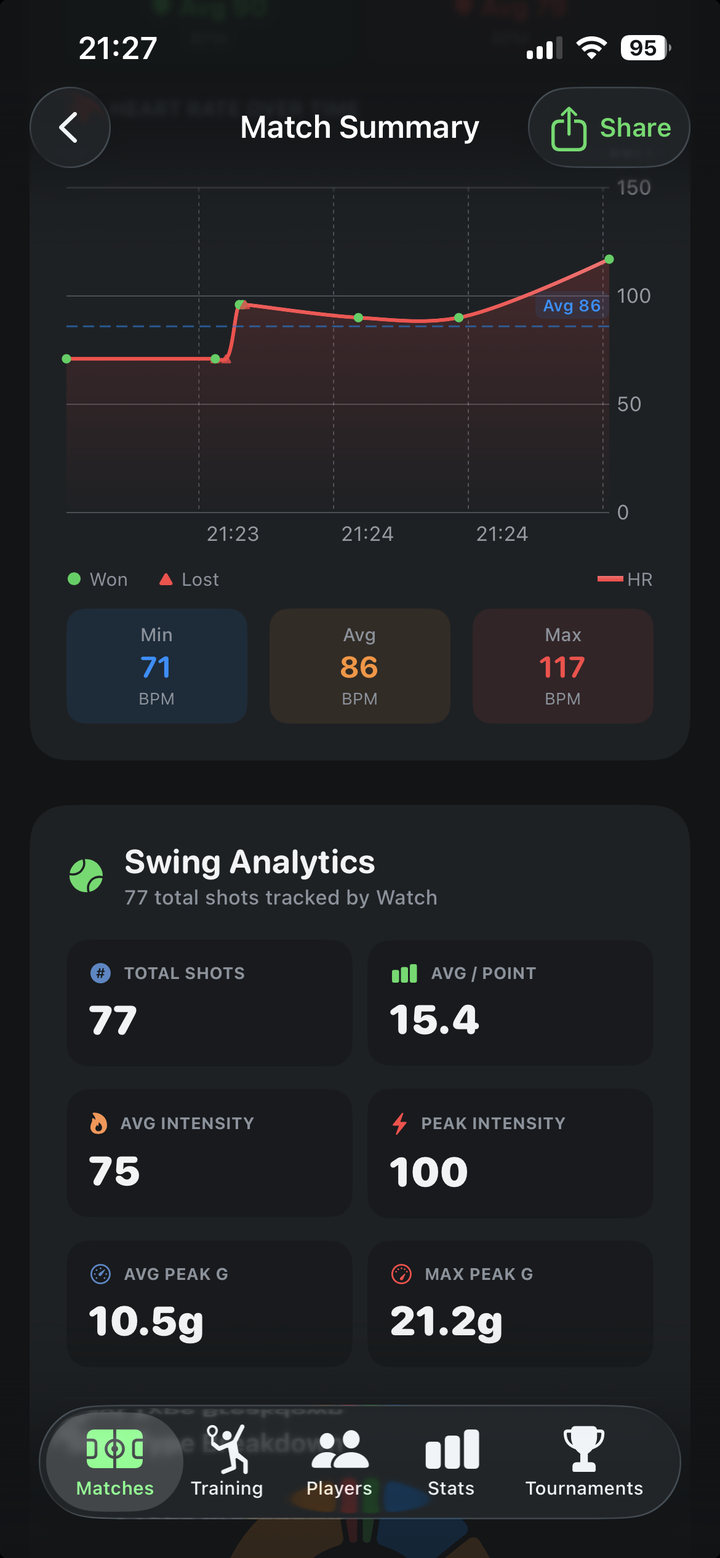
What you see after the match
A dedicated Swing Analytics card in your Match Summary, built from a real 2-minute demo match:
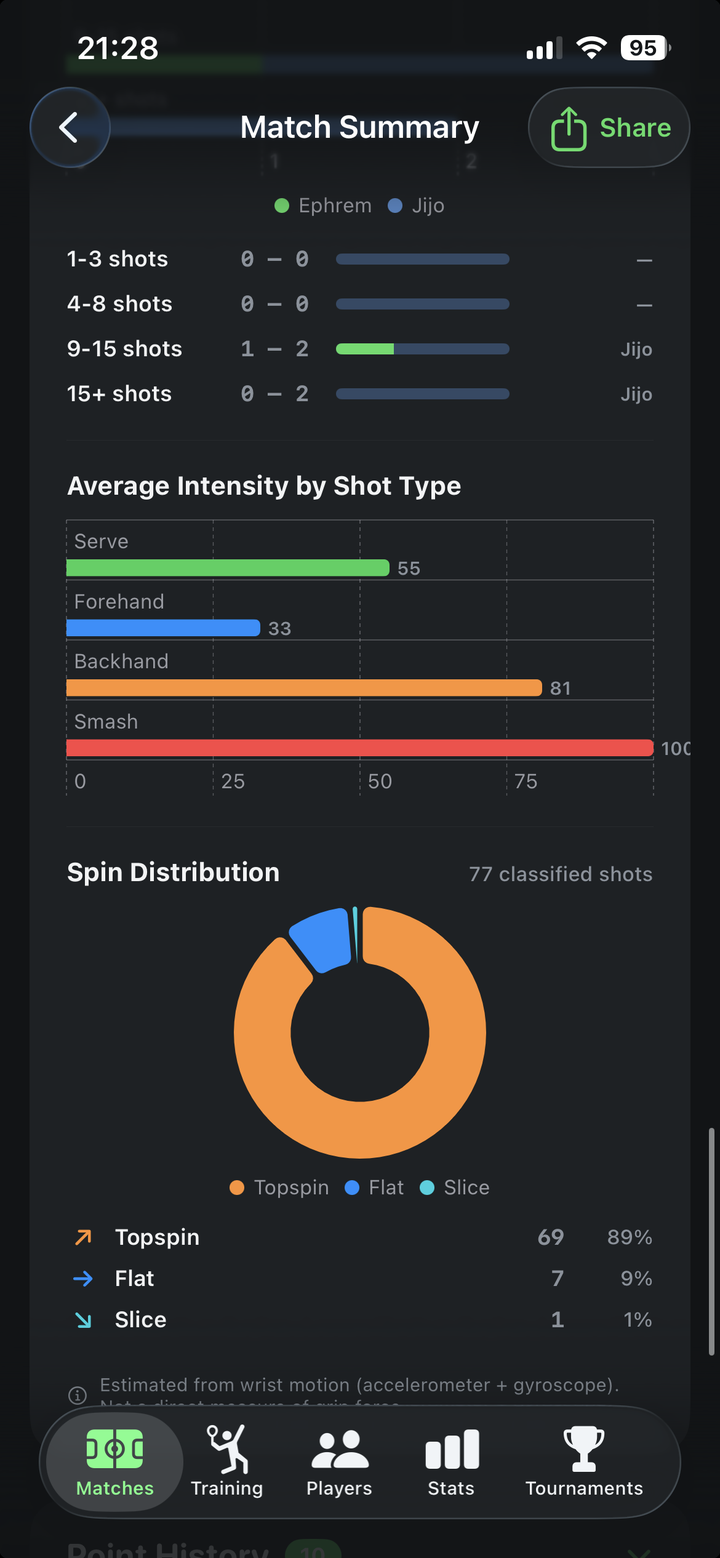
How the swing detector works
A dedicated CoreMotion pipeline runs on the Watch for the full match. The algorithm looks for an impact-shaped acceleration spike combined with a matching gyroscope rotation, then filters out noise from arm swings that aren't contact with a ball.
- Detects impacts in real time while the match is active.
- Drains the swing buffer at the end of each point so every shot lands in the correct rally.
- Calibrates intensity (0–100) based on peak G-force and rotation speed of the wrist.
- Works with your dominant hand (set in your player profile) so left-handed players are handled correctly.
Wear the Watch on your dominant hand
Swing metrics are most accurate when the Watch is on the racket-holding arm. CourtsidePlay uses the dominant hand and play style you set in your Player Profile to interpret motion signatures.
Get CourtsidePlay
Every feature on this page is built in. Download once and start analysing your next match.